Workspace
The setup I build software and artificial intelligence from
This is the space where I develop software, work with artificial intelligence systems, join remote meetings and switch off when the working day ends. It is not a setup built in one go: it has evolved over the years out of real needs.
- Software development
- Artificial intelligence
- Remote work
- Gaming
- Sim racing
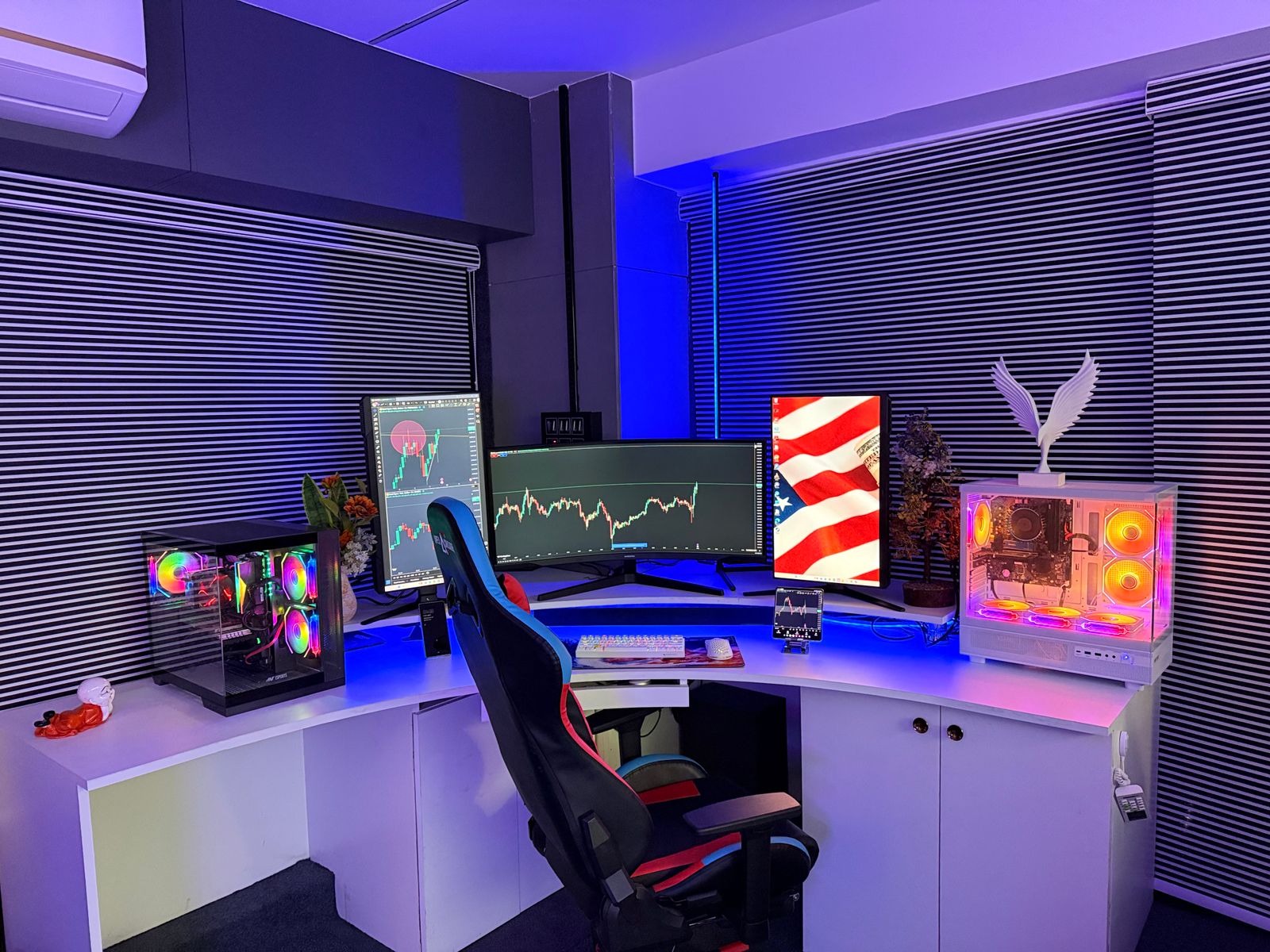
Overview
One shared workstation and an area to switch off
The desk works as a single workstation: the personal tower and the corporate laptop share the same three displays and the same peripherals, switched over with an HDMI switch and a USB hub. Changing context does not mean changing seats or rearranging cables.
The sim racing cockpit sits to the right of the desk. Keeping it away from the desk helps me close the day: work stays in one place and downtime happens in another, inside the same room.
- 2
- Machines sharing peripherals
- 3
- Displays with distinct roles
- 2
- Separate areas: work and play
Primary machines
A personal tower and a corporate laptop
Two machines with different purposes sharing desk, displays and peripherals. The tower handles personal work and downtime; the laptop covers the working day.
-
Personal tower
Official pageDevelopment, personal projects, downtime and gaming
This is the machine I use outside corporate hours, both for development environments and for gaming. It copes well with several services running at once, which is what I usually need.
- AMD Ryzen 7 5700X
- AMD Radeon RX 6750 XT, 12 GB
- 32 GB of RAM
- 2 TB of storage
- Windows 10 Pro
-
Dell corporate laptop
Working day and remote meetings
It connects to the same desk and uses the tower’s monitors, keyboard, mouse and audio. When I work from it, only the video source and the USB hub change; the layout stays the same.
To be confirmed · I have not verified its exact reference, so I would rather not publish its specifications.
Display layout
Three displays with different roles
Each display has an assigned use. I work on the central one; the side panels hold whatever I need to check or keep in view without taking up the main space.
-
Philips 243V
Left, in portrait: email, Microsoft Teams, Spotify and WhatsApp
In portrait it gathers everything conversational and notification-driven, away from my working field of view. Good value for what I ask of it; I would not change anything.
- 24 inches
- IPS panel
- Portrait orientation
-
LG Ergo 34"
Centre: code, browser, apps and daily work
This is the main display. I value the horizontal space, the resolution, the Ergo arm and being able to keep several windows visible without stacking them. The downside is real: it is too wide and takes up a lot of desk space.
- 34 inches
- UltraWide WQHD
- Ergo arm
To be confirmed · I have not verified the exact model reference yet.
What I would change: Replace it with a more compact configuration: a single 27-inch display, or 27 inches plus the 24-inch panel in portrait.
-
Lenovo Legion R27qe
Official pageRight: websites, documentation, reference, YouTube and occasional gaming
This is the reference display: whatever I am consulting while working on the central one. Image quality, resolution, size and 180 Hz also make it fine for gaming. I would not change anything.
- 27 inches
- 180 Hz
Peripherals
Keyboard, mouse and desk mat
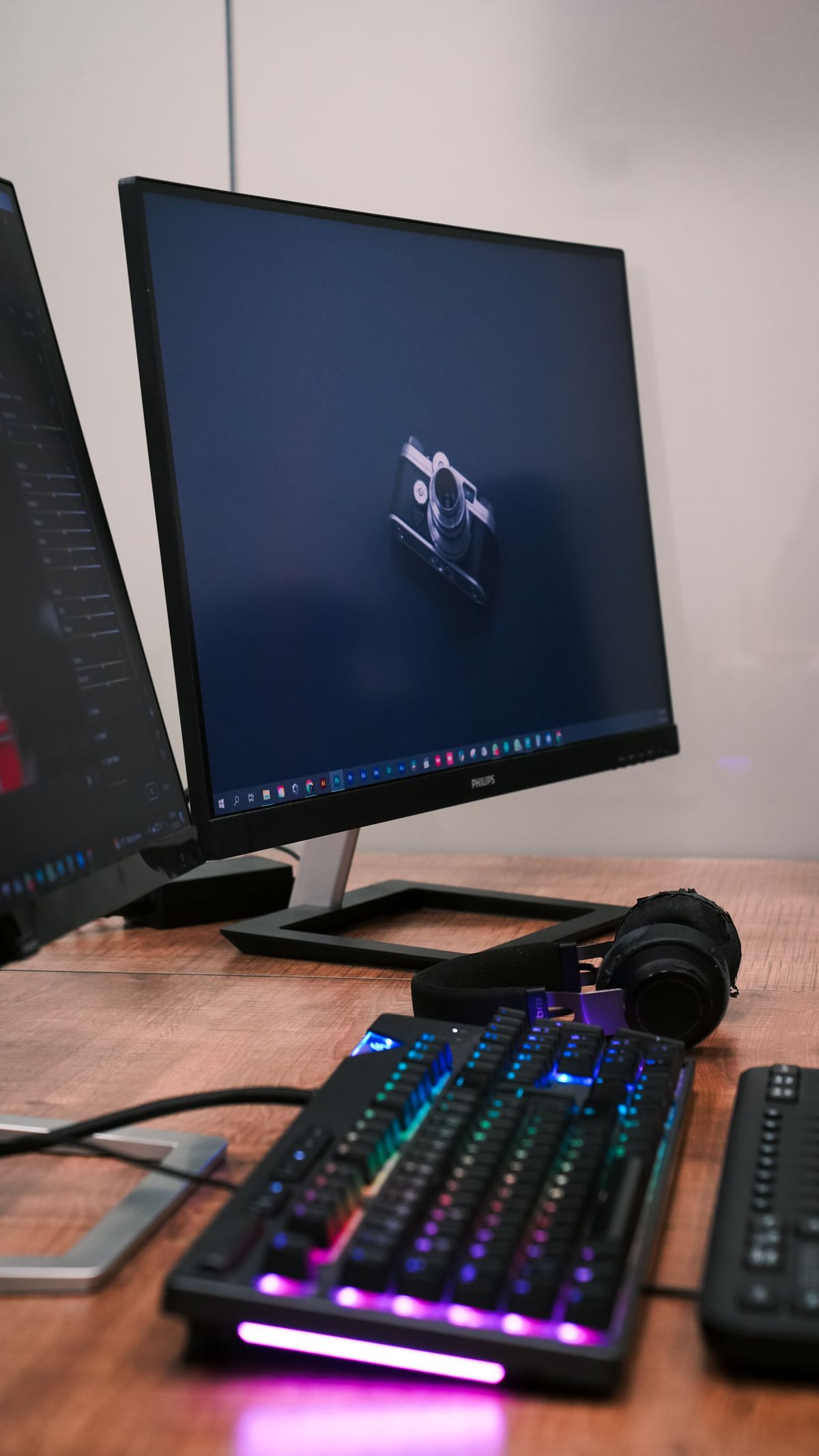
These are the pieces I changed most before settling on the current ones. I picked all three after living with other options for a good while.
-
Logitech MX Vertical
Official pageWork mouse, long hours at the computer
I chose it for ergonomics and comfort over long sessions. It works well for me; it is a personal preference, not a general recommendation.
What I would change: I would add more configurable buttons, or move to a Logitech MX Master 4.
-
Keychron K2 HE
Official pageMain keyboard for both machines
This is the keyboard I settled on after trying several: Cherry MX, Logitech MX, Keychron K3 Pro, K2 HE and Q16 HE. Comfort, multi-device support and being able to configure and customise the keys tipped the balance. I would not change anything.
- Bluetooth, cable and USB receiver
- Multi-device
- Windows and macOS
- RGB backlight
-
IKEA LÅNESPELARE
View productLarge desk mat under keyboard and mouse
It covers the whole keyboard and mouse area with a single continuous surface. Good quality for the price and enough for daily use.
Audio, video and lighting
Headphones, microphone, camera and lights
I work remotely much of the time, so hearing well, being heard and being seen clearly are part of the workstation. It is also what I use to shut the world out when I need to concentrate.
Audio
-
Sony WH-1000XM5
Official pageWork, focus, video calls and downtime
These are my everyday headphones. Noise cancelling, sound, comfort, battery life and multi-device support all work for what I need, and I find no significant drawbacks.
What I would change: As a hypothetical improvement, even more isolation.
-
Sony WF-1000XM5
Official pageOffice and mobility
They are the mobile complement, not a desk item: I use them when working away from home or on the move.
Microphone and webcam
-
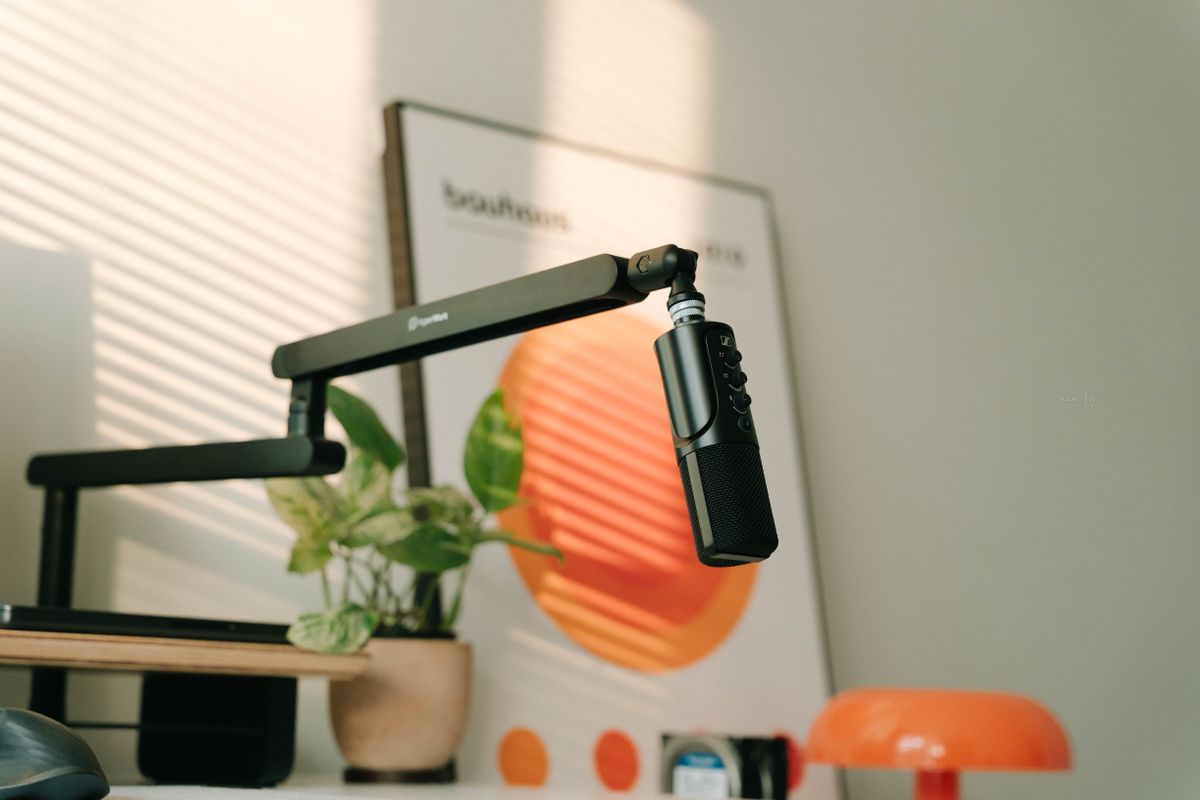
HyperX QuadCast
Official pageMicrosoft Teams and online gaming
For my use it is perfect: I come through clearly in meetings and in games, and it has a fixed spot on the desk. I would not change anything.
-
Logitech C920
Official pageMicrosoft Teams and personal recording during gameplay streams
It does the job in meetings and in the recordings I make while playing. For now it is enough.
What I would change: A better camera would be a possible upgrade, though it is not urgent.
Lighting
-
BenQ ScreenBar
Official pageDesk surface lighting, with touch controls
It has been in use for roughly three or four years and still works and looks perfect. The light quality, materials and build are why I have never replaced it. I would not change anything.
-
Elgato Key Light Neo
Official pageFront lighting for video calls, with monitor mount
It removes shadows and improves how I look in meetings. Mounted on the monitor, it takes no desk space. I would not change anything.
Furniture and comfort
Desk, chair and footrest
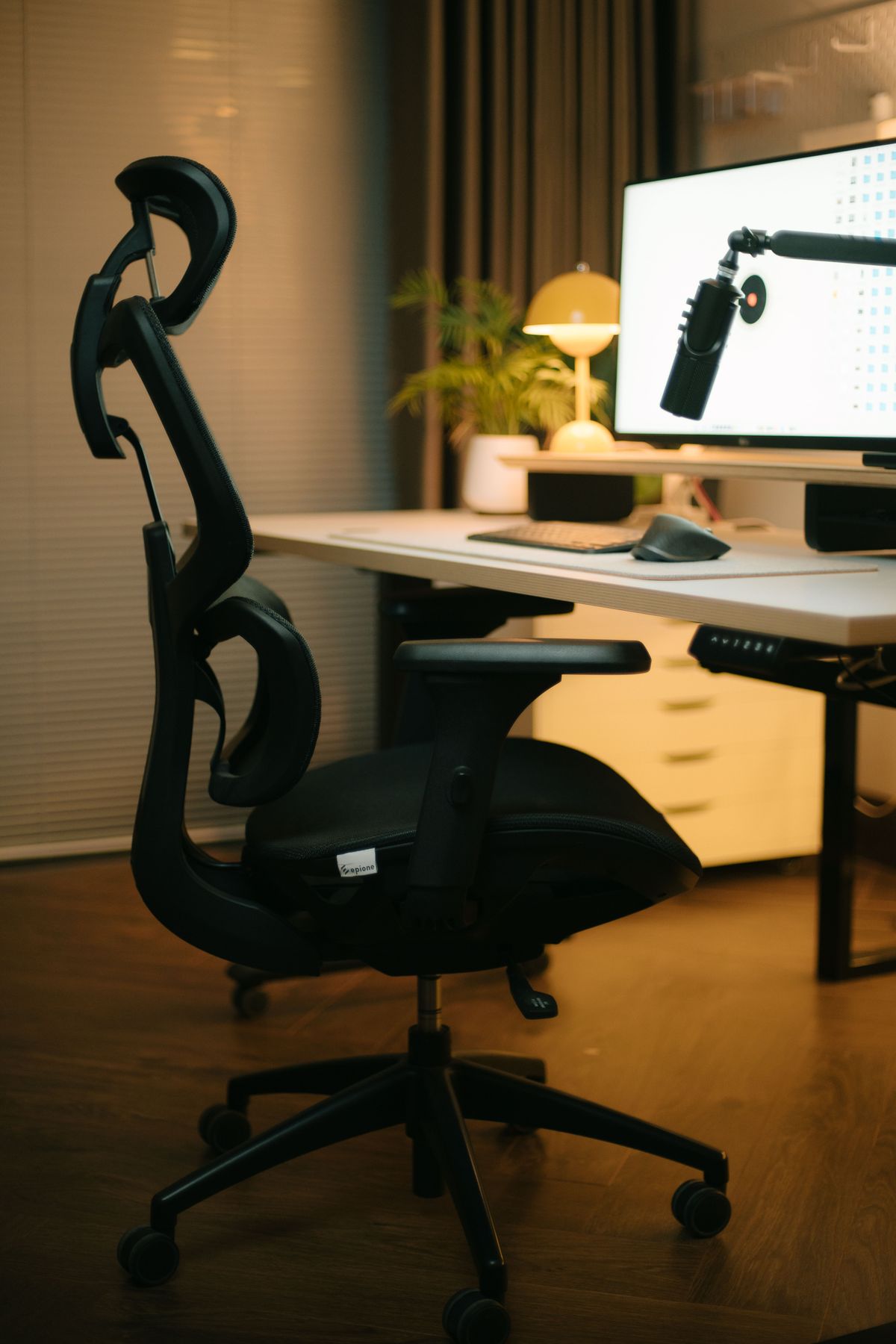
These have been here the longest and are the ones I have changed least. They are also the ones that add up the most hours over a year.
-
IKEA Bekant, L-shaped
Main desk, with the cockpit to its right
Its size and L shape make room for three displays, two machines and the accessories, and there is still free surface left to work without stacking things.
What I would change: I would improve how easy it is to change the height. A height-adjustable desk would be a possible evolution.
-
Secretlab Titan Evo
Official pageChair for full working days
Comfort, overall quality and materials are what I expected after several years of use. I would not change anything.
-
IKEA ÖVNING
View productFootrest under the desk
Comfortable and with two positions. A small detail, but it shows in long sessions.
- 38 × 32 × 18 cm
- Two positions
Connections and power
Two machines in one physical space
Sharing monitors and peripherals between the tower and the laptop only works if switching takes a second. Power is split between the work area and the leisure area, and not with the same level of protection.
Switching
-
HDMI switch
Switching video signals between tower and laptop
It lets me move from one machine to the other without recabling the displays.
-
USB hub
Keeping peripherals connected and switching them over
Keyboard, mouse and audio stay plugged into the same place; only the machine using them changes.
Power
-
Work area
Power strip with surge protection
It powers the tower, the monitors and the peripherals that matter. This is the line I care about keeping protected.
-
Leisure area
Separate power strip, without special protection
It powers the wheel, the sim racing monitor and the associated devices. It is separate from the work area and does not have the same level of protection.
Core software
What I use every day
My day-to-day development is split across three tools. The rest are occasional utilities that do not need a list of their own.
-
Visual Studio Code
Official pageMain editor
Where I write, review and debug the code for every project.
-
Claude
Official pageAssistance on my own code
I use it against the context of whichever repository I am working on.
-
Codex
Official pageAssisted development tasks
A second tool for specific tasks within the same workflow.
Gaming and sim racing
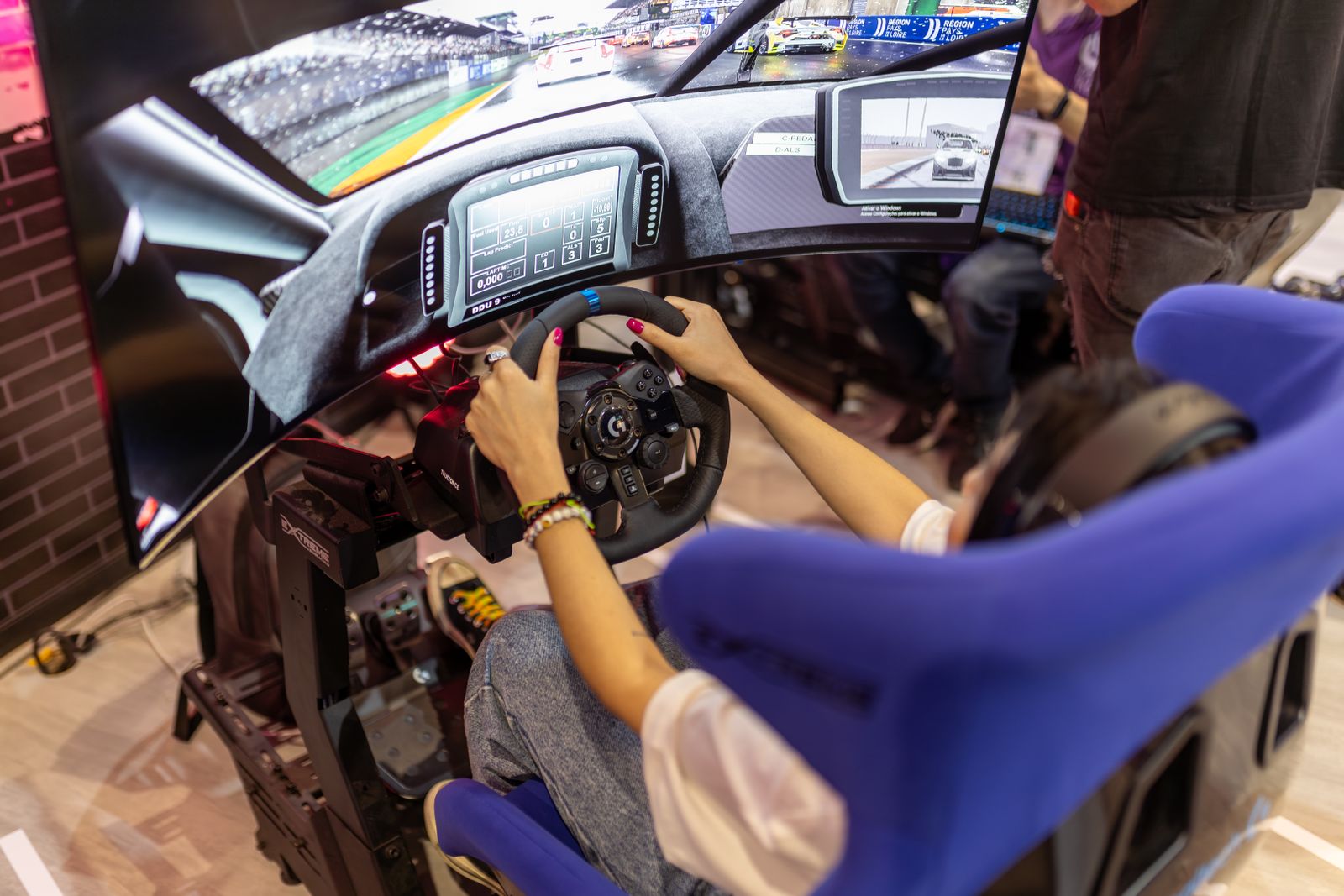
The cockpit, to the right of the desk
It sits a metre from the desk and serves a specific purpose: switching off, fun, competition and immersion. It is the part of the room that has nothing to do with work.
I always wanted a cockpit. It was unfinished business with my 15-year-old self.
-
VEVOR Racing cockpit
Sim racing rig frame
It fixes the position of wheel, pedals and screen, which was what I missed when I played from the desk chair.
To be confirmed · I have not verified the exact model reference yet.
-
Logitech G29
Official pageWheel and pedals
This is the wheel I use with the cockpit; the set is mounted on the frame and never comes off between sessions.
-
LG UltraGear 32GS60QC-B
Official pageCockpit display
Curved and at wheel distance, it is what gives the cockpit the sense of immersion I was after.
- 31.5 inches
- VA panel
- QHD
- Curved
- 180 Hz
- AMD FreeSync
-
Logitech G502 X Plus
Official pageMouse for downtime and gaming
It stays in the leisure area and does not replace the MX Vertical at the desk; each has its own place and use.
What works well
Decisions I would make again
Conclusions from real use, not general rules: this is what works for me in this space.
- Physically separating work and downtime within the same room.
- Three displays with distinct roles, rather than three identical ones.
- Sharing monitors and peripherals between the tower and the corporate laptop.
- Having tried keyboard and mouse alternatives before settling on the current ones.
- Treating audio, lighting and video conferencing as part of the workstation, not as accessories.
- Having a large desk, which is what makes the rest possible.
- Comfortable furniture, because it adds up to many hours a day.
- The cockpit as a real way to switch off when the day ends.
What I would change
Changes I would consider
None of them fixes an actual problem; they are adjustments I would consider if I set the workstation up again today.
- 01Replace the ultrawide with a more compact configuration.
- 02Consider a height-adjustable desk and, with it, a possible under-desk walking pad.
- 03More configurable buttons on the MX Vertical, or moving to an MX Master 4.
- 04A possible webcam upgrade.
- 05Simplify the whole thing without losing functionality.
In short
A space adjusted little by little
Every piece arrived here to solve something specific and stayed because it kept working. If you are interested in what I do from this desk, my CV covers it in more detail.